
Versioned projects with upgrades
Projects carry a schema version and older files are upgraded on a copy, leaving the original untouched.
Every module shares one project foundation: stable object identities, transactional edits with undo, dependency-aware rebuilds, verified backups and full history. Around it sit the 3D engineering view, styles and libraries, team sharing, offline licensing, a headless SDK and help when you need it.
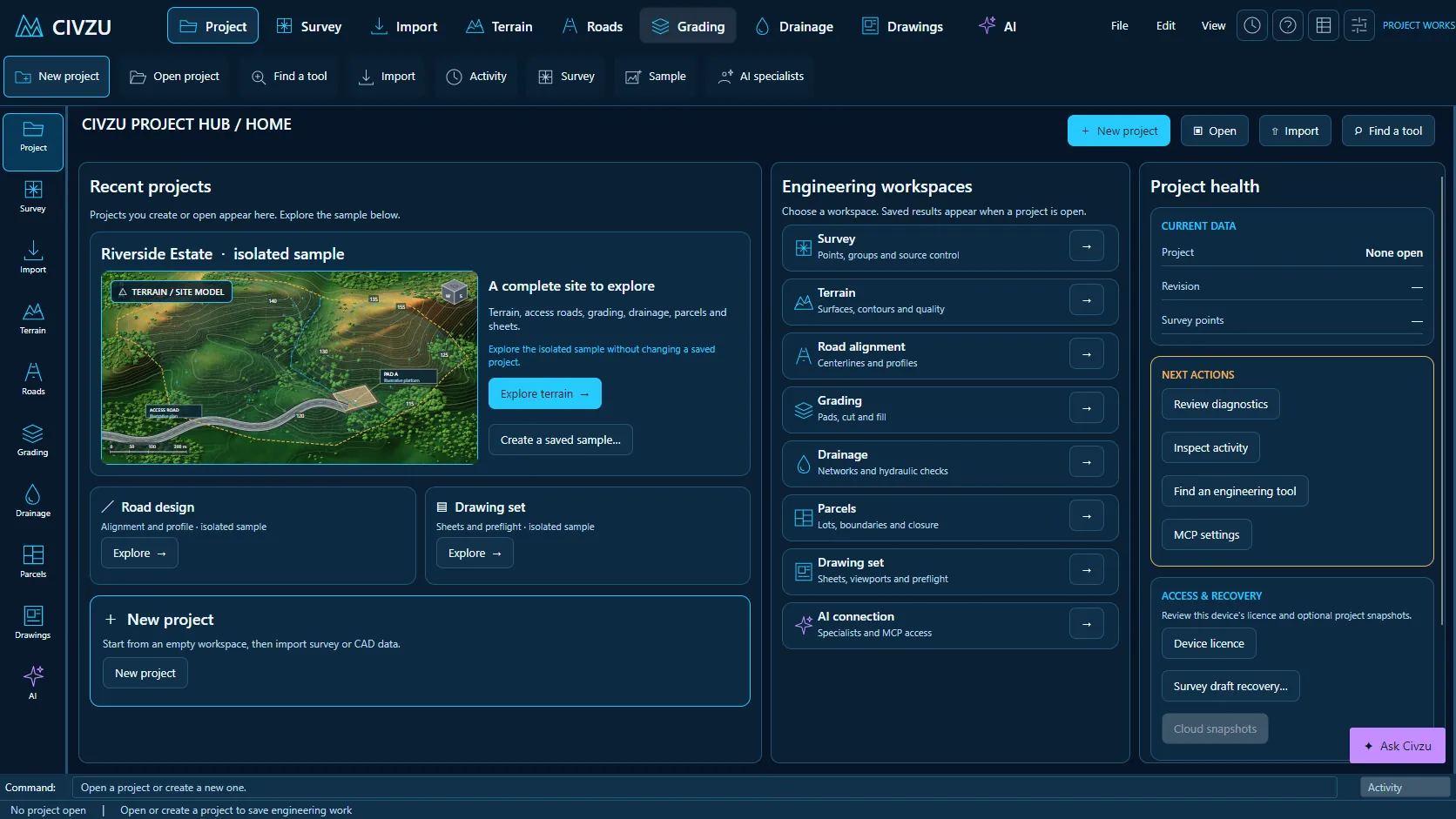 APP CAPTURE · ILLUSTRATIVE PROJECT
Your engineers work in the desktop workbench; your agent reaches the same project through typed local tools. Items tagged In development are being built now.
Projects carry a schema version and older files are upgraded on a copy, leaving the original untouched.
Each edit commits as a whole or not at all, so a failed command leaves the project unchanged.
Undo and redo step through related edits, including changes that mark dependent results stale.
Civzu records which results depend on which inputs and refuses circular dependencies.
After an edit only the affected dependent results are rebuilt, not the whole project.
Results show plainly when they are out of date or failed, instead of silently presenting old values.
Projects save to a local file and reopen with their full design history.
Every committed action is written to the project file immediately, with protection against interrupted writes.
Commands show a preview of their effect before applying and can be cancelled.
Imported survey sources are kept unchanged with hashes, so every derived result traces back to its source.
Run repeatable project commands from the command line without opening the desktop app.
Long tasks report progress and can be cancelled without leaving the project half-changed.
Save filtered selection sets and reuse their membership.
Copy properties and styles from one drawing object to others.
Convert straight-segment polylines between 2D and 3D.
Convert between feature lines and survey figures.
Change the start vertex of a feature line.
Remove duplicate vertices from feature lines and survey linework.
Join, split, extend and trim feature lines.
Scale geometry horizontally and vertically by separate factors.
Flatten geometry to a level, with a preview of the elevation data that will be lost.
Rotate and mirror feature lines individually.
Align symbols and text along paths on road sheets.
Solve a full arc from any valid pair of radius, length, chord or angle values.
Extract symbols from drawings without moving the underlying survey points.
Extract objects from reference drawings with their source provenance kept.
Isolate and hide layers in the view without changing the data.
Annotation scale controls and background masks behind labels on drawing output.
Track coordinates and levels under the pointer as you move over drawing entities.
Insert repeated objects at true 3D intervals along straight segments.
Selections and stations link the 3D review with the road plan and profile.
Isolate and hide objects in the 3D review and restore them step by step.
Jump to and frame alignments, profiles, sections and assemblies in 3D.
Shaded terrain and surface rendering with fixed material colours.
Slope and elevation band overlays and clash overlays in 3D.
Project imagery onto terrain in the 3D view.
Measure and cut sections on the displayed surface in 3D.
Named camera bookmarks and flythroughs along saved alignments.
Export camera timelines and flythroughs to video files.
Export report images at a chosen paper size and dpi with a receipt.
Review sight lines over terrain in 3D and profile sight distance on roads.
Display decimation that keeps source identities, independent of solver resolution.
High-DPI display and keyboard shortcuts in the review window.
Attach typed property sets and classifications to project objects.
Search properties and edit many objects at once.
Import and export object properties as CSV.
Versioned component and assembly libraries with pinning and upgrades.
Versioned line, symbol and object styles.
Copy and compare sheet styles in the desktop app and over MCP.
Configure default layers and object settings.
Regional unit, naming and standards packs.
Release your own templates through a controlled workflow.
Run scripted batches of commands.
Cross-section rules that apply over chainage ranges.
Write and validate rule expressions in a text editor.
Search the desktop workbench for commands.
Sample projects and support guides to learn the workflows.
Share projects across your organization with roles from Viewer to Administrator, narrowed per project where needed.
Shared revisions are encrypted, carry digests and keep a history of author, time and parent.
When two engineers publish at once, Civzu names both and asks for an explicit reconcile.
Downloads always arrive as new files, so the project you have open is never overwritten.
Licence activation and account administration for your organisation.
Licensed work runs on a signed offline lease until its expiry date; opening, backing up and recovering projects never needs a licence.
Create a verified backup before large edits and restore it to a new file whenever you need it.
Support reports hold diagnostic codes, versions and hashes only: no projects, coordinates or credentials.
Extend and automate Civzu through its command line and MCP server.
Published .NET SDK packages with a stable contract, so your developers can build on Civzu.
“Create a verified backup before I start the redesign.”
“Share this project with the roads team as Reviewers.”
“Show me which results went stale after the survey update and rebuild them.”
Reserve your early-access seat. We confirm your MCP client, seat count and commercial details before access opens.
Reserve your seat ↗